
Overview
Managed retrieval: create collections, upload documents, and search them from the console — grounding AI answers in your own data.
Vector RAG turns your documents into a searchable knowledge base, so AI answers can be grounded in your own data instead of relying on whatever a model happened to learn during training. Create a collection, add documents by upload or paste, and use the console's search tool to see exactly which passages a question would retrieve — no vector database to run or operate yourself.
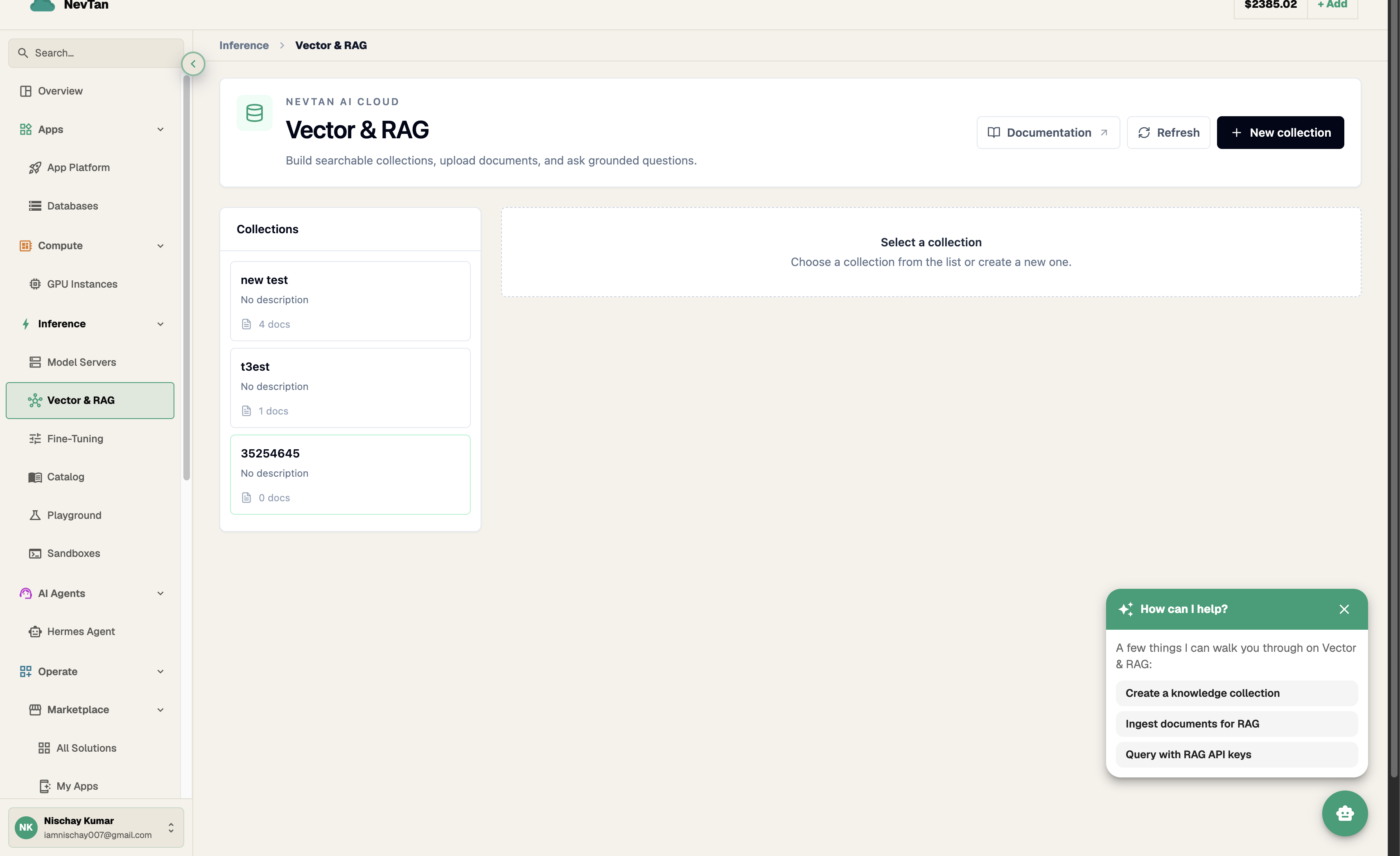
This is the pattern behind "chat with your docs," internal knowledge assistants, support bots that cite a help center, and search over contracts, transcripts, or codebases. Instead of stuffing every document into a prompt — slow, expensive, and capped by context length — you store documents once, and NevTan retrieves only the handful of passages relevant to a given question.
The mental model
- Collection — a namespace for a set of documents, plus the embedding model and chunking rules applied to everything inside it. Think of it as one knowledge base, e.g. "product-docs" or "support-tickets-2026".
- Document — a piece of content you add to a collection: an uploaded file (PDF, Markdown, plain text) or text pasted directly into the console.
- Chunking — long documents are split into smaller overlapping passages (chunks) before embedding, so retrieval can return just the relevant paragraph instead of an entire file.
- Embedding — each chunk is converted into a vector that captures its meaning. Similar meanings end up as nearby vectors, which is what makes semantic (not just keyword) search possible.
- Hybrid search — a query is embedded the same way, then matched against stored chunk vectors to find the closest ones by meaning, combined with lexical matching so exact terms (names, IDs, error codes) aren't missed just because they're rare in the embedding space.
The console handles chunking, embedding, storage, and retrieval for you at every step. Each collection runs on a package — a flat monthly price covering a set amount of storage, documents, and questions — so there's nothing to meter yourself; see Pricing.
The pipeline, end to end
Every stage above is a console screen, not a call you make yourself: create a collection, drop in documents, and open the search tool to see what comes back.
Example: a support bot that answers from your own help docs
Say you run a support bot and want it to answer from your help center instead of guessing. Without Vector RAG, you'd have to paste your entire help center into every prompt — expensive, slow, and eventually too large to fit at all. With Vector RAG, the workflow looks like this:
- Create a collection named something like "help-center".
- Upload your help articles, or connect the source they already live in (see Connectors) so they stay current.
- When a customer asks "how do I reset my password?", the bot first runs that question through the collection's search to fetch the two or three passages that actually answer it.
- Only those passages — not the whole help center — get passed along with the question, so the answer stays grounded in what your docs actually say instead of a guess.
The same shape applies to an internal knowledge assistant over onboarding docs, or search over a set of contracts: retrieve a small, relevant slice instead of shipping everything.
Explore
Create and configure collections — embedding model and chunking.
Upload files or paste text into a collection.
Test retrieval with the console's search tool.
Connect Google Drive, Notion, and GitHub.
Keep a collection in sync with a connected source.
Package tiers, what's included, and how upgrading works.