
Quick start
Add a provider key, create a NevTan key, and call any hosted model through one OpenAI-compatible endpoint.
The console Quick Start page walks through three steps, with modality tabs across the top — Text, Image, Video, Realtime, and Speech — so you can preview the shape of a call for each kind of model.
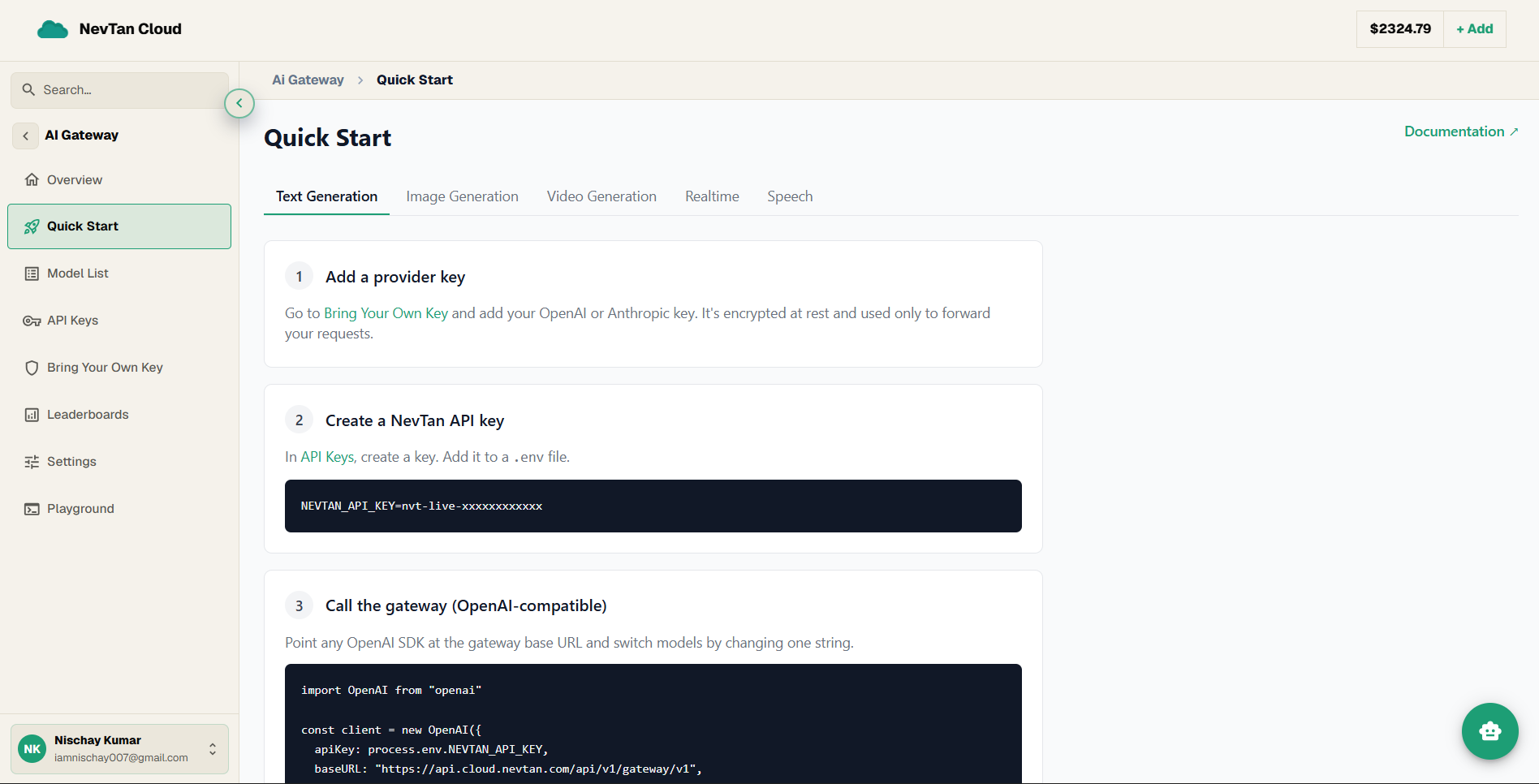
- 1Add a provider keyOpen Bring Your Own Key, pick a provider (e.g. Anthropic), and paste your key. It is encrypted at rest and used only to forward your requests.
- 2Create a NevTan API keyUnder API Keys, create a key. You call the gateway with this key — never with your raw provider key.
- 3Call the gatewayPoint the OpenAI SDK at the gateway base URL and choose a
provider/modelid.
Or with curl
Tip
Anthropic models take the same OpenAI request shape — the gateway translates to the Messages API and back, so you never touch Anthropic-specific fields.