
E-commerce & CMS
Deploy a WordPress-based site or store from the Marketplace — WooCommerce for an online store, WordPress for a content site.
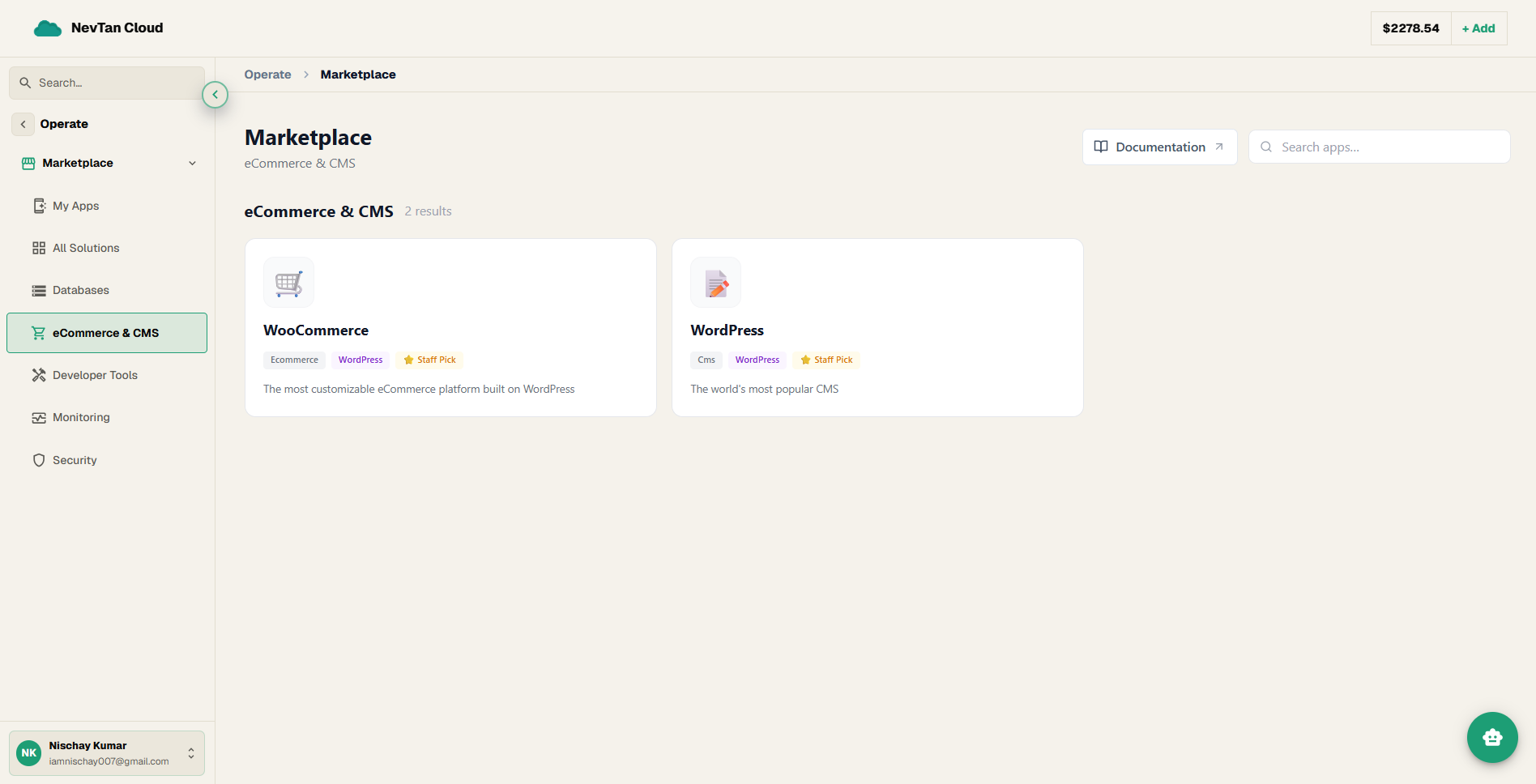
The E-commerce & CMS category is two closely related apps, both built on WordPress: WooCommerce for running an online store, and WordPress itself for a content site or blog.
Apps in this category
| App | Deploy type | What it is |
|---|---|---|
| WooCommerce | WordPress | The most customizable eCommerce platform built on WordPress |
| WordPress | WordPress | The world's most popular CMS |
About the apps
🛒 WooCommerce
WooCommerce is a shopping-cart plugin for WordPress — a plugin is an add-on that extends what a piece of software can do. WooCommerce turns an ordinary WordPress site into an online store, adding a product catalog, a shopping cart, and checkout, while the site is still managed exactly like any other WordPress site.
📝 WordPress
WordPress is a content management system (CMS) — software for building and running a website by writing pages and posts through an editor, without hand-coding HTML. It's the most widely used CMS in the world, with a huge ecosystem of themes (designs) and plugins (add-on features).
Deploying, in short
Both apps deploy through the dedicated WordPress installer — you set up a domain, verify DNS if you brought your own, fill in the site and admin details, and watch it install. It is explained step by step, with screenshots, as Guide 3 on Deploying apps. For a store, add the WooCommerce plugin from the WordPress admin dashboard once your site is live.