
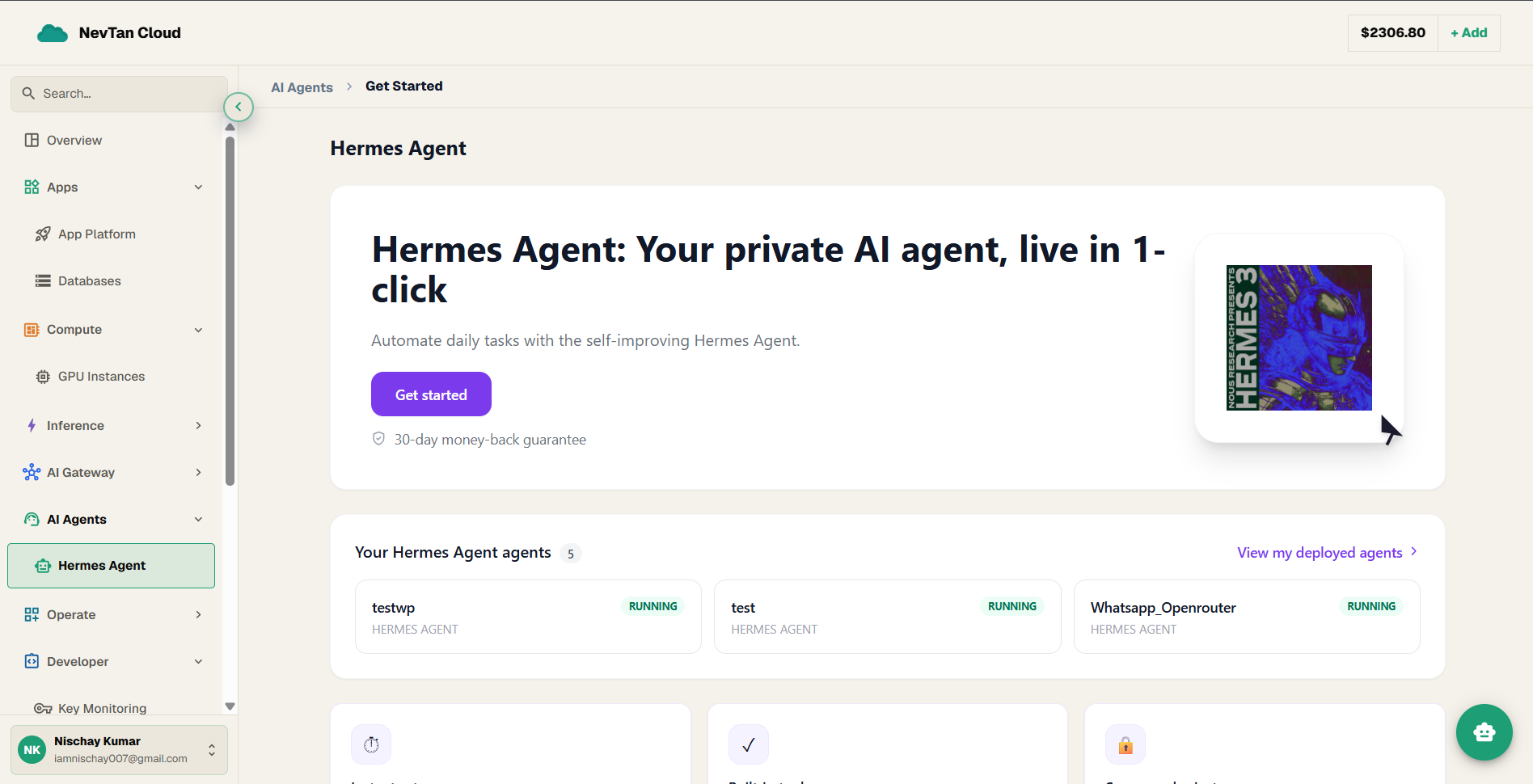
Hermes Agent
Hermes is a messaging-first AI agent — deploy it, connect Telegram, Discord, or WhatsApp, and it runs as your own managed assistant with persistent memory.
Hermes Agent is a messaging-first AI agent that NevTan runs for you as a managed service. It talks to you over the channels you already use — Telegram, Discord, or WhatsApp — remembers past conversations, and answers using the model you choose. It needs at least one channel connected before it can go active.
Hermes is one of two pre-packaged, open-source agents NevTan hosts as managed containers (the other is OpenClaw). This is deployment-as-a-service: you do not write any agent code — you deploy Hermes, point it at your AI provider, and connect it to a channel.
What Hermes can do
- Channels — Telegram, Discord, and WhatsApp are the headline channels, and the dashboard's Channels screen offers 31 connectors in all — including Slack, Signal, iMessage, Email, and SMS.
- Persistent memory — it remembers context across conversations.
- Model choice — Claude, OpenAI, or Gemini, using your own provider API key.
- Managed lifecycle — start, stop, restart, and tail logs like any other deploy.
Hermes vs. OpenClaw
Both deploy and bill the same way. OpenClaw is the broader agent for teams that need more channels and heavier usage; Hermes is the focused, messaging-first choice.
| Hermes Agent | OpenClaw | |
|---|---|---|
| Channels | Telegram, Discord, WhatsApp — plus 31 connectors in its dashboard | Telegram, WhatsApp, Discord, Email, Slack, Signal, Webhooks (by plan) |
| Models | Claude, OpenAI, Gemini | Claude, OpenAI, Gemini, OpenRouter |
| Memory & search | Persistent memory | Persistent memory + web search |
| Team features | — | Team collaboration, custom domain + SSL on Business |
| Pricing | Same plans | Same plans |
Before you deploy
Have these ready so the deploy goes in one pass:
- A plan (Starter, Growth, or Business) and enough credit balance to cover it — agents draw on your real-money balance, not the signup bonus (see Plans & pricing).
- An API key for the AI provider you want Hermes to use — Claude, OpenAI, or Gemini.
- A channel credential — for example a Telegram bot token — to connect after deploy so Hermes can start replying.
Deploy Hermes
Hermes uses the standard agent deploy flow — pick a plan, set an admin account, connect your AI provider, deploy, then connect a channel. For the full click-by-click walkthrough with screenshots of each step, see [Deploy an agent](/docs/ai-agents/deploy-an-agent). Two things are specific to Hermes:
- For the provider, choose Claude, OpenAI, or Gemini, and paste that provider's API key.
- After deploying, connect Telegram, Discord, or WhatsApp from the agent's own dashboard — Hermes needs at least one channel to activate.
The Hermes dashboard
Every deployed Hermes has its own dashboard — a separate web app at the agent's own URL, signed into with the admin username and password set at deploy. It is the agent's full control room: chat with it in the browser, connect channels, manage its skills and models, schedule jobs, and watch its logs. For a guided, screen-by-screen tour, see [Hermes Dashboard](/docs/ai-agents/hermes-dashboard).
A detailed tour of every screen in the deployed agent's dashboard.
The general deploy walkthrough shared by every agent type.
Change model, memory, and web search after deploy; connect channels.
Start, stop, restart, or delete the agent.
Compare Starter, Growth, and Business.