
Security
Deploy self-hosted security tools in one click — Vaultwarden for passwords and HashiCorp Vault for application secrets.
The Security category is two self-hosted tools for keeping credentials safe — Vaultwarden, a password manager for people, and HashiCorp Vault, a secrets store for your applications.
Apps in this category
| App | Deploy type | What it is |
|---|---|---|
| Vaultwarden | 1-Click Deploy | Lightweight, self-hosted password manager (Bitwarden-compatible) |
| HashiCorp Vault | 1-Click Deploy | Secure storage for secrets, API keys, and certificates |
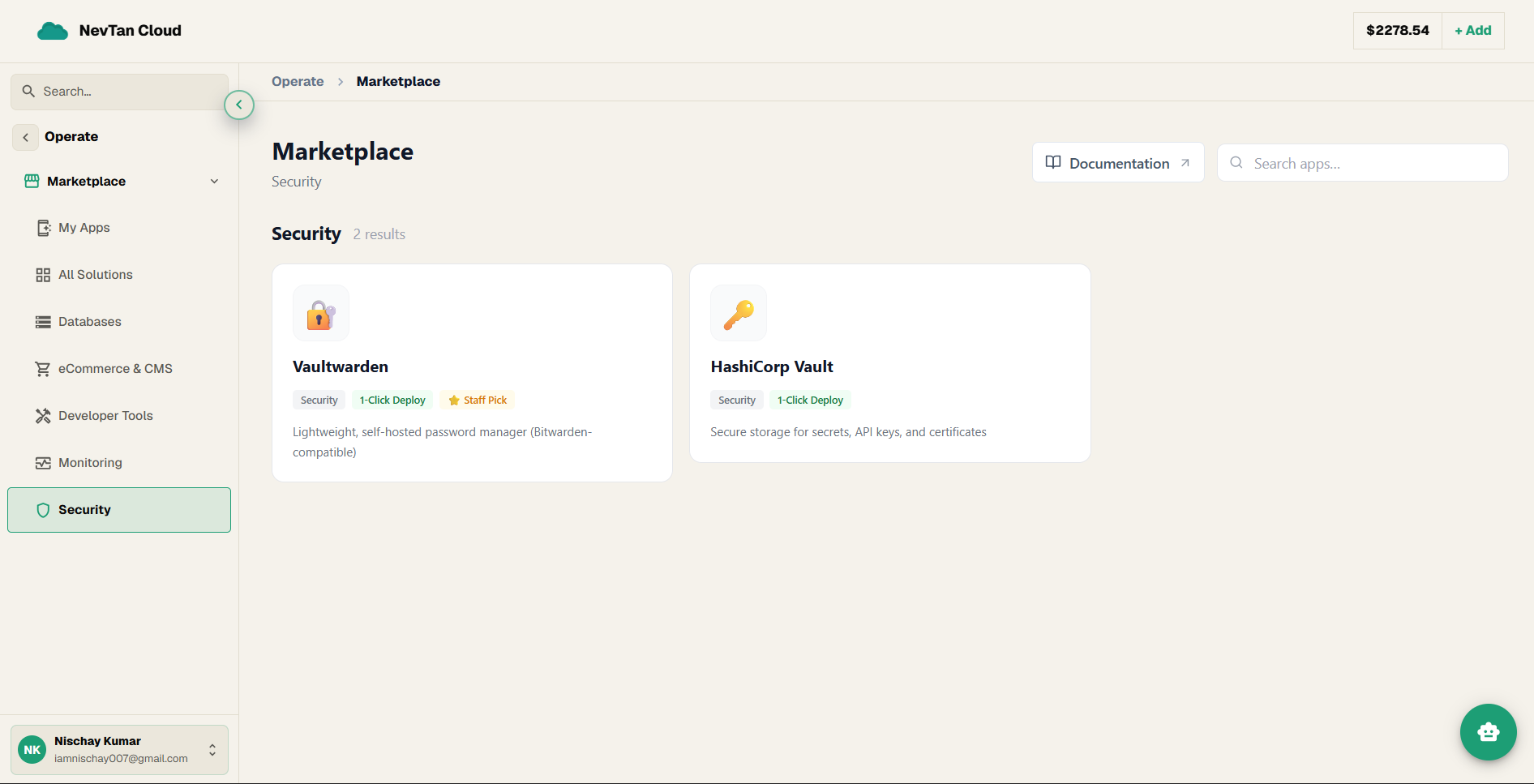
Every app in this category, explained
🔐 Vaultwarden
Vaultwarden is a self-hosted password manager — a place where you and your team keep passwords encrypted behind one master password, instead of reusing them or storing them in a spreadsheet. It speaks the same protocol as Bitwarden, so the official Bitwarden apps and browser extensions connect to it directly, while the data stays on your own server.
🔑 HashiCorp Vault
HashiCorp Vault stores secrets — the credentials your applications need, such as database passwords, API keys, and TLS certificates. Instead of hard-coding those values into your code or config files, a running service asks Vault for them, and Vault controls which service is allowed to read what.
Which one do you need?
- Vaultwarden — for people. Human-facing password storage your team unlocks in a browser extension or phone app.
- HashiCorp Vault — for applications. Machine-facing secret storage your running services read from programmatically.
- They solve different problems and are often run side by side — one for your team, one for your code.
Deploying a tool, in short
Both apps use the standard 1-Click form — a name, a region, and a size, with optional environment variables. For the complete, field-by-field walkthrough with screenshots, see Guide 2 on Deploying apps.