
Auto-deploy
Ship automatically on every git push by turning on auto-deploy for the project.
With auto-deploy enabled, every push to your project's deploy branch triggers a fresh build and a zero-downtime rollout — no manual redeploy required.
How it works
Turning on auto-deploy connects the project to your GitHub repository so pushes are noticed automatically. When you push to the deploy branch, NevTan queues a deployment for you.
Enable and disable
- 1Open Auto-Deploy SettingsFrom the project's action bar, click Auto-deploy. The Auto-Deploy toggle is disabled (with a tooltip) if GitHub isn't connected yet — connect it first.
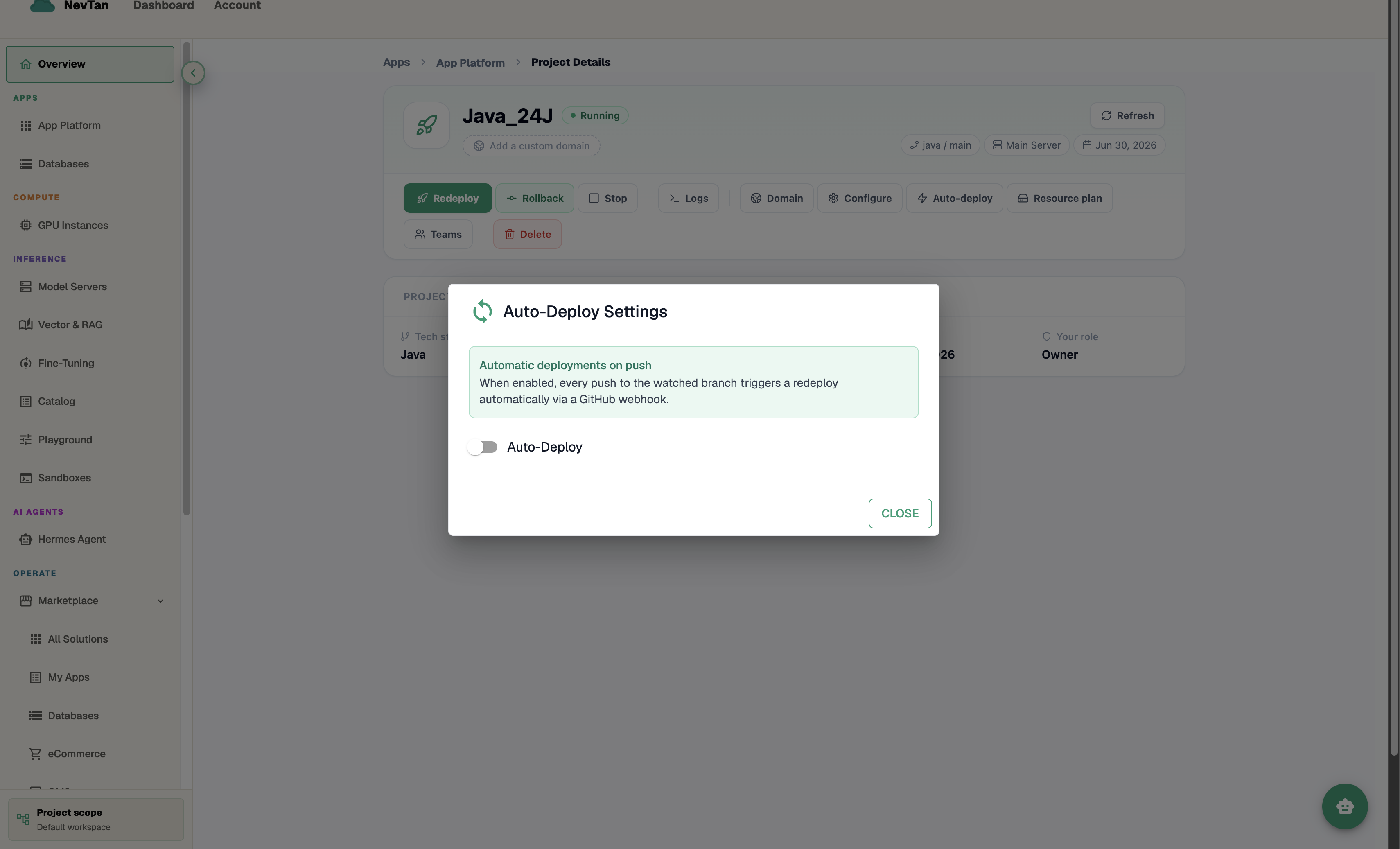
Off by default — one toggle turns it on. - 2Switch the toggle onNevTan tries to register a GitHub webhook automatically. When it succeeds, you'll see a box reading "Watching branch:
<branch>" and a status line confirming the webhook is registered on GitHub.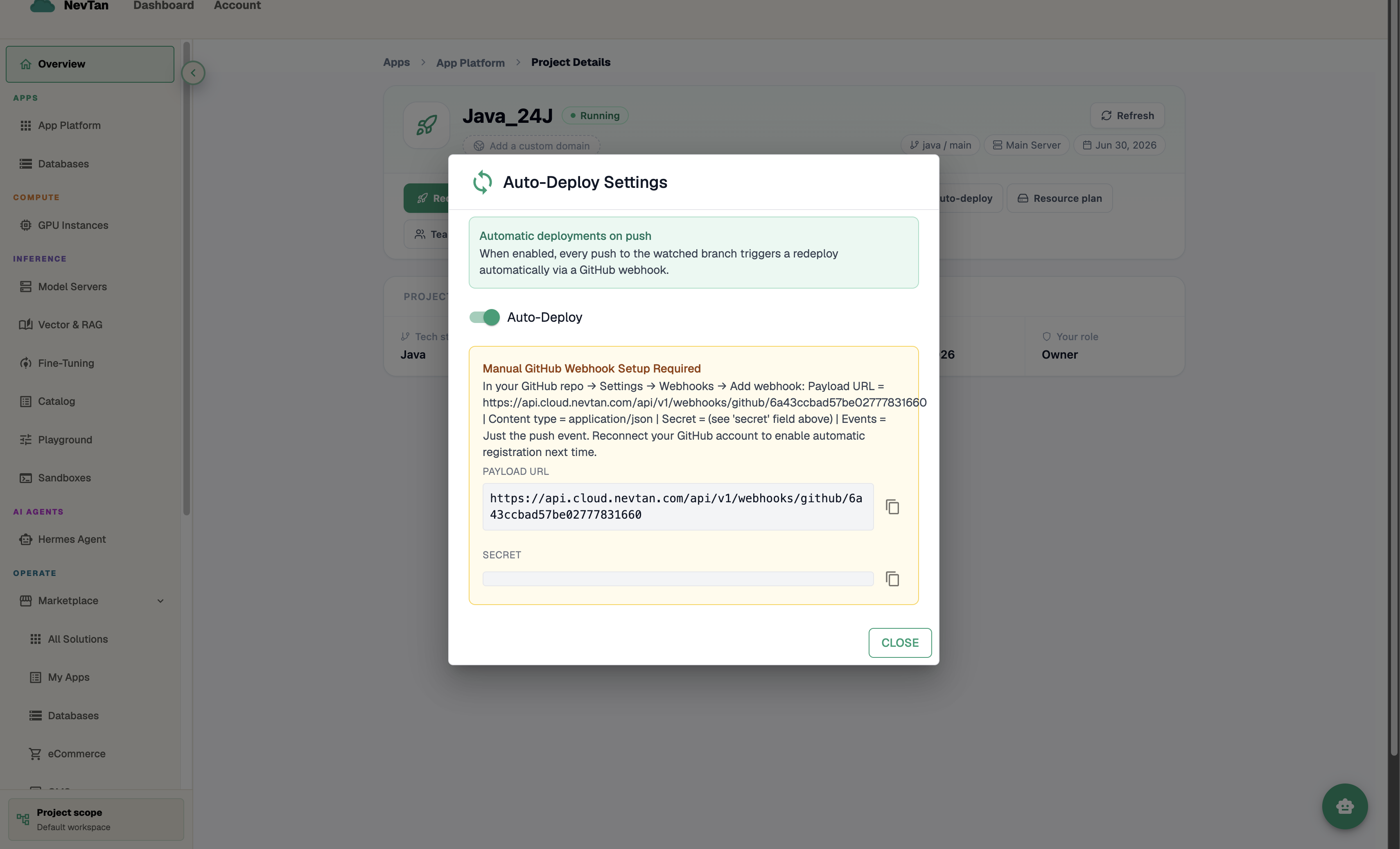
Enabled — connection details shown, if you need to add them by hand. - 3If automatic setup fails, add the webhook by handAn amber "Manual GitHub Webhook Setup Required" panel appears with a Payload URL and a Secret, each with a copy button — add these as a webhook in your GitHub repo settings yourself.
- 4Push to deployEvery push to the watched branch now triggers a build and a zero-downtime rollout automatically. Close the dialog — there's no separate Save button, the toggle takes effect immediately.
Note
Auto-deploy relies on your GitHub connection. If deploys stop triggering, confirm the repo is still connected — see GitHub integration.