
Audio transcription
Upload an audio file in the Playground and get back a text transcript.
Audio mode in the Playground converts an uploaded audio file into text, using the catalog's transcription model.
How it works
Pick the transcription model from the catalog, upload an audio file, and send. The console transcribes the file and displays the resulting text.
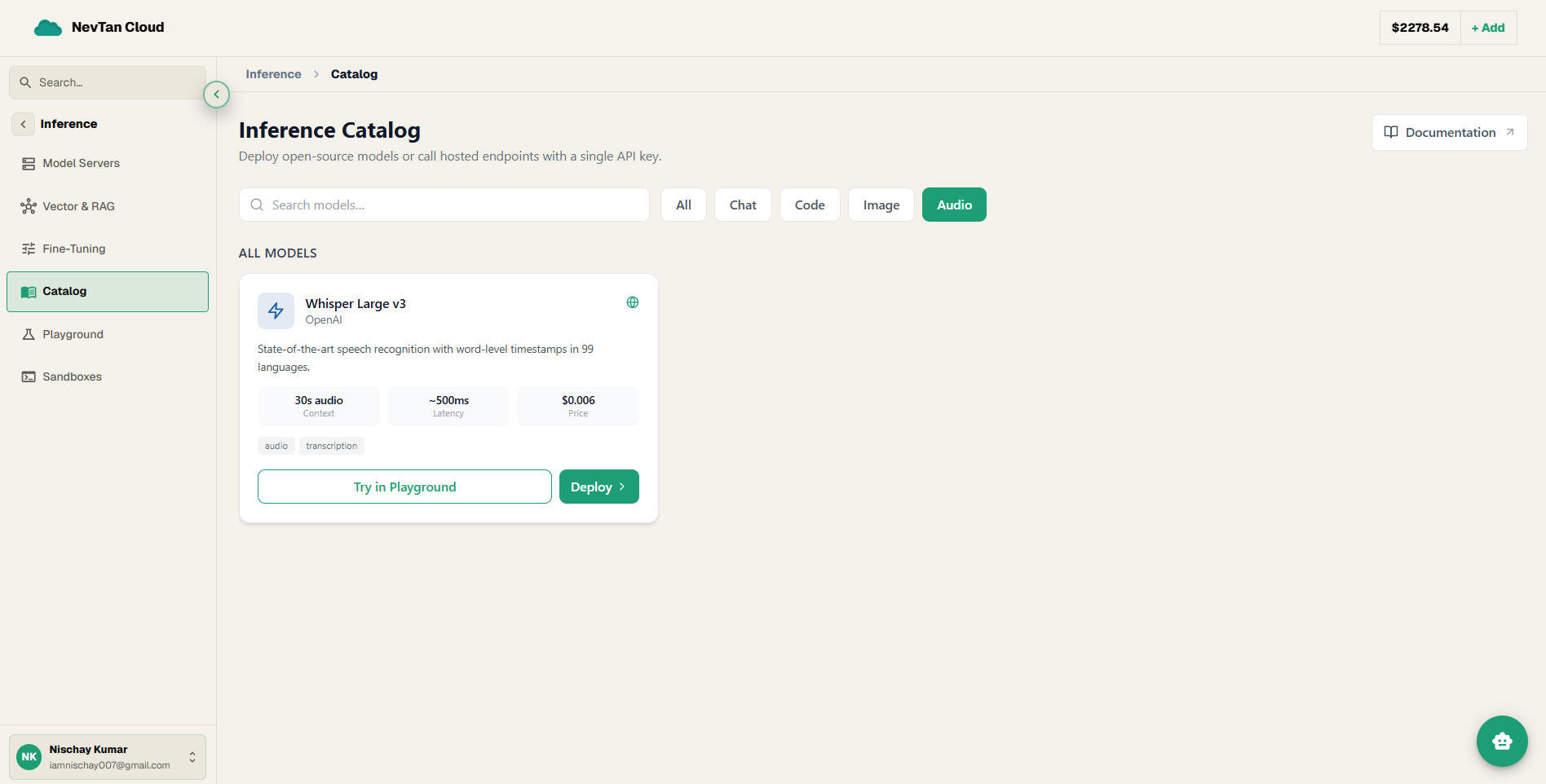
Playground fields
| Parameter | Type | Description |
|---|---|---|
Modelrequired | select | The audio transcription model from the catalog. |
Audio filerequired | file | The audio file to transcribe, uploaded from your device. |
What you see back
The console shows the full text transcript once processing finishes, ready to copy.
Realistic ways to use this
- Meeting or call recordings — upload a recorded call and get a searchable text version instead of re-listening to find a detail.
- Podcast or video clips — transcribe a short clip to pull a quote or check what was said, without scrubbing through audio.
- Voice notes — turn a quick voice memo into text you can paste elsewhere, faster than typing it out by hand.
Note
Larger audio files take longer to process — the console shows progress while the transcript is being generated.