
Overview
On-demand GPUs — H100, A100, and more — from a global compute network, browsed and launched from the console, including hosted vLLM model servers.
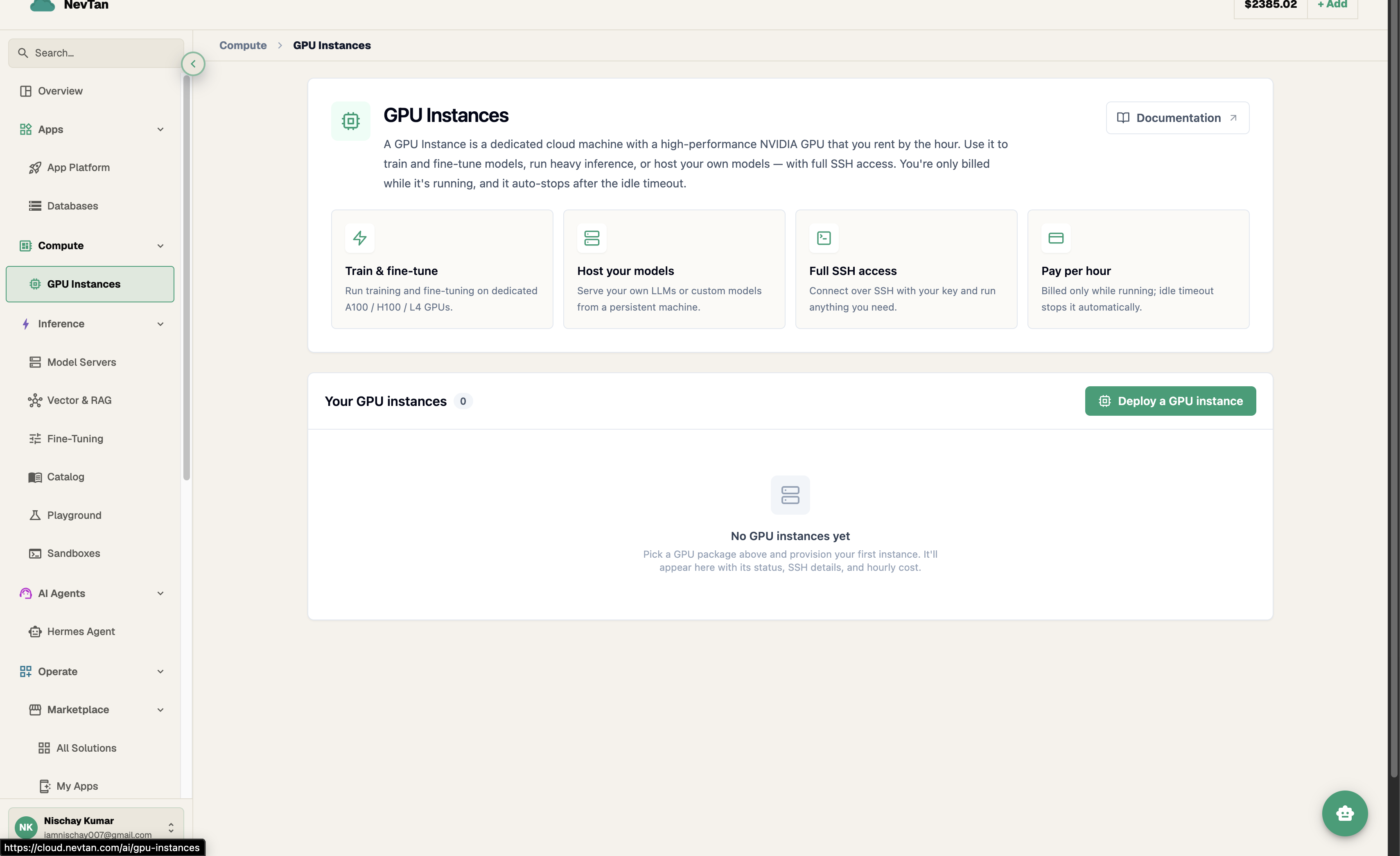
GPU Instances give you on-demand H100, A100, and other GPUs from a global compute network, all from a single catalog screen in the console. Browse offers, launch an instance, connect over SSH — or launch a model server you can chat with straight from the Playground.
Why it exists
Instead of managing your own capacity, you get one catalog and one bill. The GPU catalog searches the network for you and ranks results by price and availability, and every instance is billed to your credit balance at a clear per-hour rate shown right on the offer.
GPU instance, model server, fine-tuning, or hosted inference?
The console gives you four different ways to get GPU compute or a running model, and they trade off control for convenience. Picking the right one up front saves you a rebuild later.
| If you need… | Reach for |
|---|---|
| Root/SSH access to a bare GPU box — custom training loops, notebooks, arbitrary tooling | Raw GPU instance |
| A model server for a model you choose (open-weights, a fine-tune, a custom checkpoint) that you can chat with directly | Model server |
| To adapt an existing model to your data before serving it | Fine-tuning |
| A model already hosted and maintained by NevTan, with no GPU to manage at all | Inference |
Worked examples
- "I'm training a custom model from scratch and need full control over the training loop" — launch a raw GPU instance, SSH in, and run your own training code exactly as you would on any other box.
- "I have a fine-tuned checkpoint and want to chat with it" — launch a model server for that checkpoint and use it from the Playground, with no serving code of your own to write or run.
- "I want to adapt an open-weights model to my own data before serving it" — start with fine-tuning to produce the adapted model, then put it to work with a model server or Deploy a model.
- "I just need a chat model and don't care which GPU it runs on" — skip the catalog entirely and use hosted inference, billed per token with nothing to launch, monitor, or stop.
- Raw GPU instance — you own the box. Best for training runs, custom inference stacks, data processing, or anything you'd rather run yourself over SSH.
- Model server — NevTan runs the serving stack for you on a GPU you launch from the catalog. Best when you want to try or use a specific model (including your own fine-tune) through the console's chat interface, without managing the serving setup yourself.
- Fine-tuning — produces a model artifact. Pair it with a model server (or Deploy a model) to actually run it.
- Hosted inference — zero infrastructure at all: no offer to pick, no instance to babysit, billed per token instead of per GPU-hour. Use it whenever a NevTan-hosted model already covers your use case.
Quickstart
- 1Browse the catalogOpen the GPU catalog screen and filter by hardware, count, and budget. Results are ranked by price and availability across the network.
- 2Launch an instancePick an offer and click Launch. See Launch an instance.
- 3Or launch a model serverPick a model and an offer to launch a hosted server you can chat with from the console. See Model servers.
Explore
Filter the GPU catalog by hardware, price, and availability.
Launch, monitor, stop, and destroy GPU instances from the console.
Launch a hosted model server and chat with it from the console.
Per-GPU-hour pricing, metered and billed from your credit balance.