
Invoices & transactions
Invoices, the unified billing transaction log, and deployment bills you can refund or activate — all browsable from the console.
Every charge, top-up, and refund is captured in a unified billing log you can browse from the console. Invoices are the formal records; deployment bills track per-deployment charges you can refund to credits or activate.
Invoices
Open the Invoices tab under Account → Billing to see your billing history for the account, and download any individual invoice as a record.
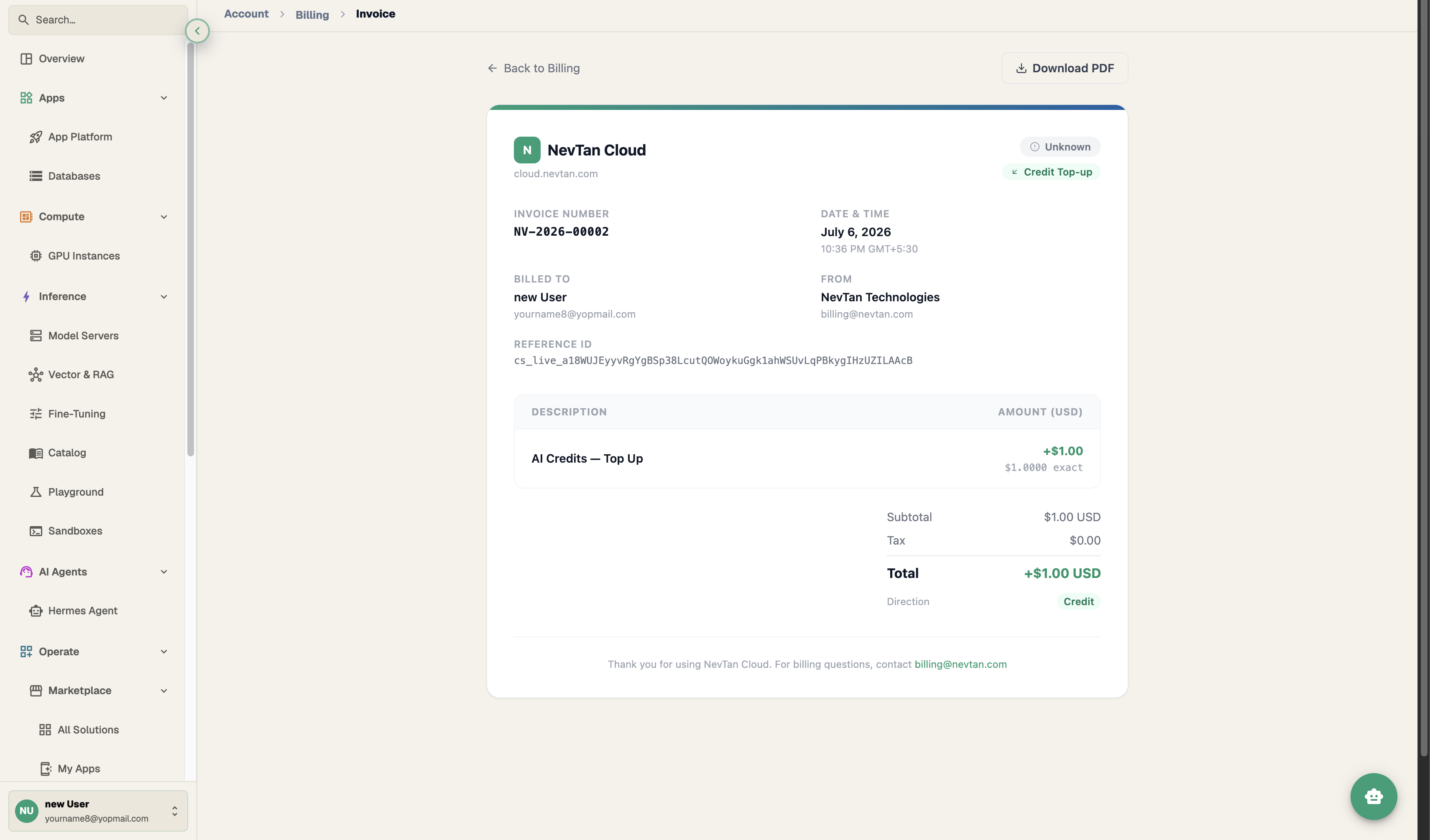
The billing transaction log
The Transactions tab is a single scrollable audit trail across every product on your account. Filter it by transaction type, or search for a single entry by its invoice number.
| Column | What it shows |
|---|---|
| Type | The kind of transaction — plan charge, credit top-up, deployment bill, refund, and so on. |
| Amount | The dollar amount charged or credited. |
| Date | When the transaction was recorded. |
| Invoice number | A unique reference you can search by or quote to support. |
Deployment bills
Deployment bills are the per-deployment charges shown in their own list. From that list you can refund a bill back to your credit wallet, or activate a deployment once its bill is settled.
Why the log matters
The transaction log is the source of truth for reconciling spend: filter to a date range before closing the books for a month, or search by invoice number when matching a card statement line back to a specific charge. Because plan charges, credit top-ups, and deployment bills all appear in the same list, you don't need to cross-reference three separate places to answer "what did we spend on NevTan last month."
- 1Open TransactionsFrom Account → Billing, open the Transactions tab to see the unified log.
- 2Filter or searchNarrow the list to a transaction type — plan charge, credit top-up, deployment bill, refund — or search by invoice number to jump straight to one entry.
- 3Reference or downloadUse the invoice number when reconciling with a card statement, or download the matching invoice from the Invoices tab for a formal record.
Building an expense report
Download individual invoices from the Invoices tab when you need a formal PDF record for a finance team or expense system. For a broader view — every top-up, deduction, and deployment bill across a range of time — the Transactions tab and its filters are faster than opening invoices one at a time.