
Image generation
Generate images from a text prompt and browse the results in the Playground.
Image mode in the Playground generates images from a text prompt using the catalog's image model, and shows the results as a grid you can preview and download.
How it works
Pick the image model from the catalog, describe the image you want, choose how many to generate and at what size, and send. Generated images appear in the console a few seconds later.
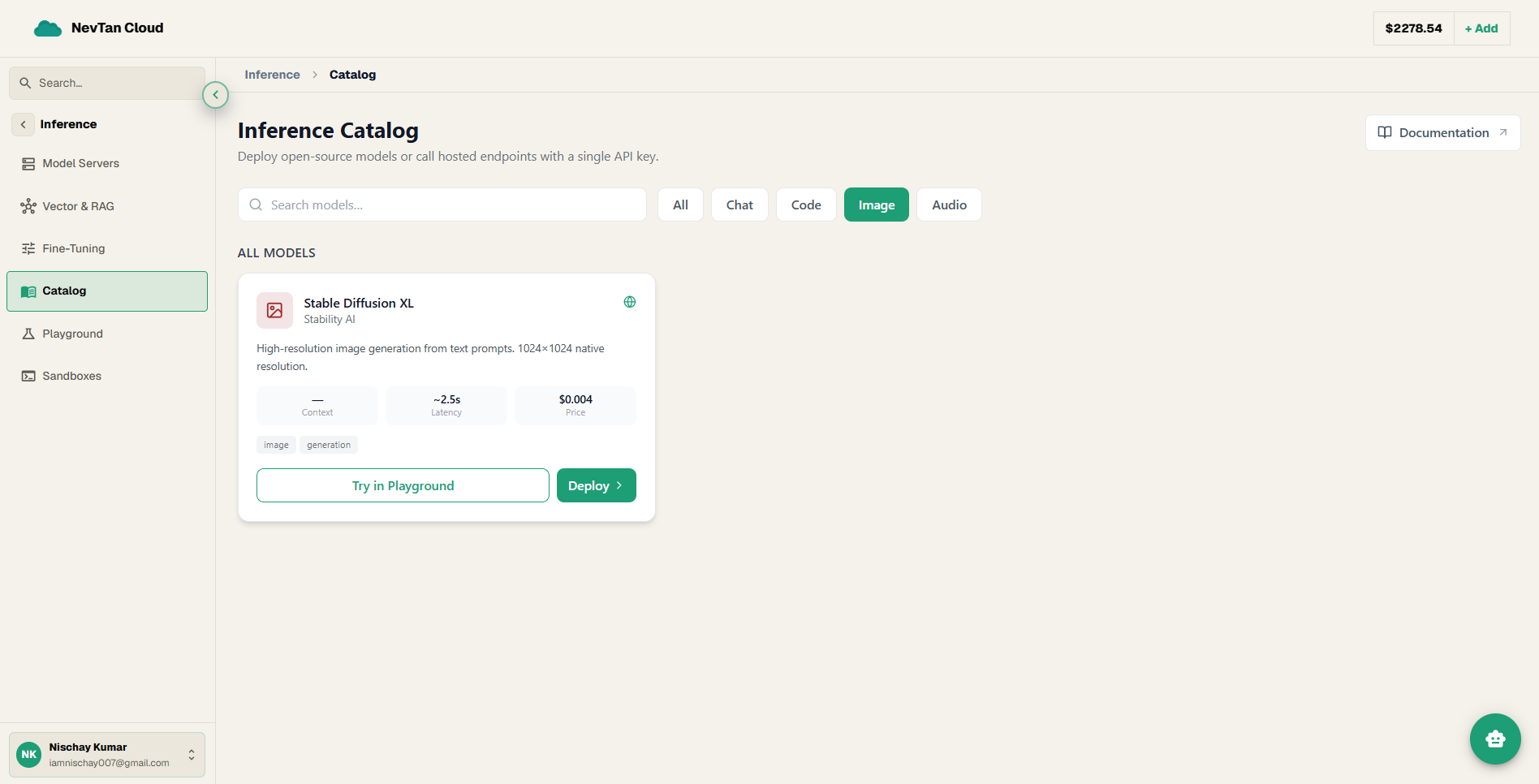
Playground fields
| Parameter | Type | Description |
|---|---|---|
Modelrequired | select | The image generation model from the catalog. |
Promptrequired | text | A text description of the image to generate. |
Number of images | number | How many images to generate for this prompt. |
Size | select | Output resolution, e.g. a square or widescreen size. |
What you see back
The console displays the generated images as a grid. Click any image to preview it full-size or download it.
Realistic ways to use this
- Placeholder art for a project you're building — generate a handful of images at a small size to block out a design before spending time sourcing real assets.
- Exploring a visual direction — generate the same prompt at a higher image count to see a range of interpretations, then narrow in on the style that fits.
- One-off graphics — a background, an icon concept, or a thumbnail, generated and downloaded directly from the grid without needing a separate design tool.
Tip
Try a few variations of the same prompt with a higher image count — small wording changes can produce noticeably different results.