
Overview
Train a LoRA, QLoRA, or full fine-tune from the console, then deploy the result as a model you can use in the Playground.
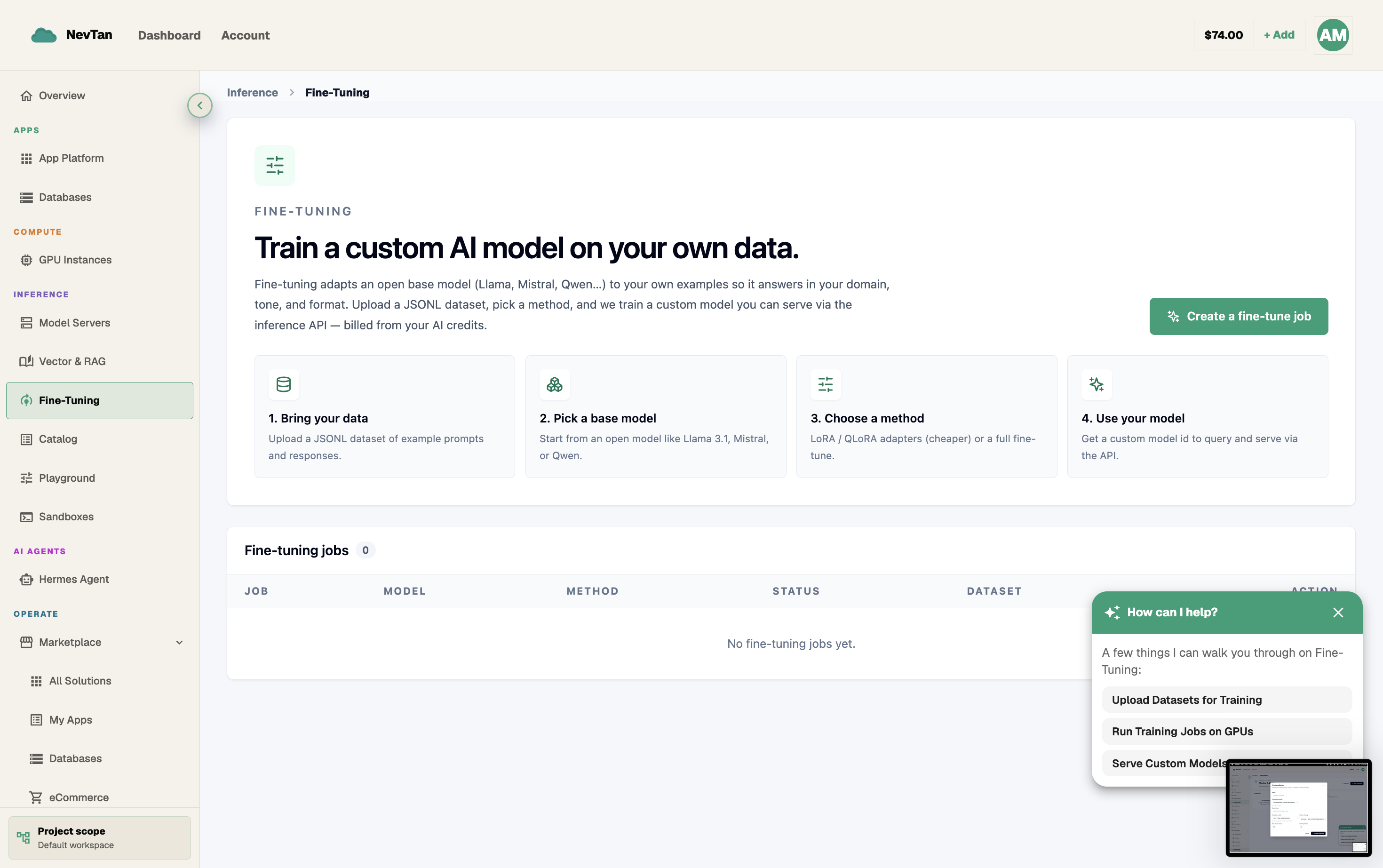
Fine-tuning adapts an open base model to your own data. Upload a dataset, let the console estimate the cost, start the job, and watch it train — all from the Fine-Tuning section of the dashboard. When it finishes, deploy the result and it becomes a model you can use like any other.
Fine-tuning vs. prompting vs. RAG
Fine-tuning is one of three ways to get a model to behave the way you want, and it is usually the last one you reach for, not the first.
- Prompting — put instructions, examples, or context directly in the Playground prompt. Cheapest and fastest to iterate on. Best for one-off behavior changes or when the base model already knows the domain.
- RAG (Vector & RAG) — keep the base model as-is and let the console inject relevant documents at query time. Best when the model needs access to facts or a knowledge base that changes often, and you don't want to retrain every time it does.
- Fine-tuning — retrain the model on your own examples so the behavior is baked into its weights. Best when you need a consistent style, format, or task shape across every response, when the pattern can't be reliably described in a prompt, or when you want to shrink a long, repeated system prompt into the model itself.
A worked example: bad fit for prompting, good fit for fine-tuning
Say you run a support inbox and want every reply to follow a strict internal format — a one-line summary, a numbered list of next steps, and a closing line pulled from a small set of approved phrasings, all in a specific tone. You can describe that format in a system prompt, but the longer and more specific the rules get, the more the model drifts on edge cases: it forgets a rule three turns in, applies the wrong closing line, or reorders sections. Each fix means adding another prompt rule, and the prompt keeps growing without ever becoming fully reliable.
That shape — a consistent, narrow output format applied across a high volume of similar requests — is exactly what fine-tuning is good at. Train on a dataset of real examples already in the target format, and the model reproduces the pattern directly from its weights instead of from an ever-longer prompt. The system prompt can often shrink back down to almost nothing, and the format holds even on inputs the prompt rules never anticipated.
The console lifecycle
Every fine-tune follows the same path through the console: upload a dataset, review the cost estimate the console shows you, start the job, watch it train, then deploy the result.
Where to go next
Upload a .jsonl file or build examples in the console.
Pick a base model, method, and hyperparameters on the New Fine-Tuning Job screen.
Watch job status and logs in the Jobs list.
Click Deploy on a completed job to use it in the Playground.
How GPU-based training is billed against your credit balance.